
In today’s digital world, children are surrounded by mobile apps for entertainment and learning. While mobile coloring apps are flashy and easy to use, they often lack the developmental value that comes from traditional computer-based tools like MS Paint. For young learners, especially preschool and primary school children, coloring in MS Paint offers much more than just fun — it lays the foundation for essential computer skills.
Let’s explore why MS Paint is a smarter, skill-building choice compared to mobile apps when it comes to digital coloring.
🎨 1. Builds Computer Mouse Handling Skills
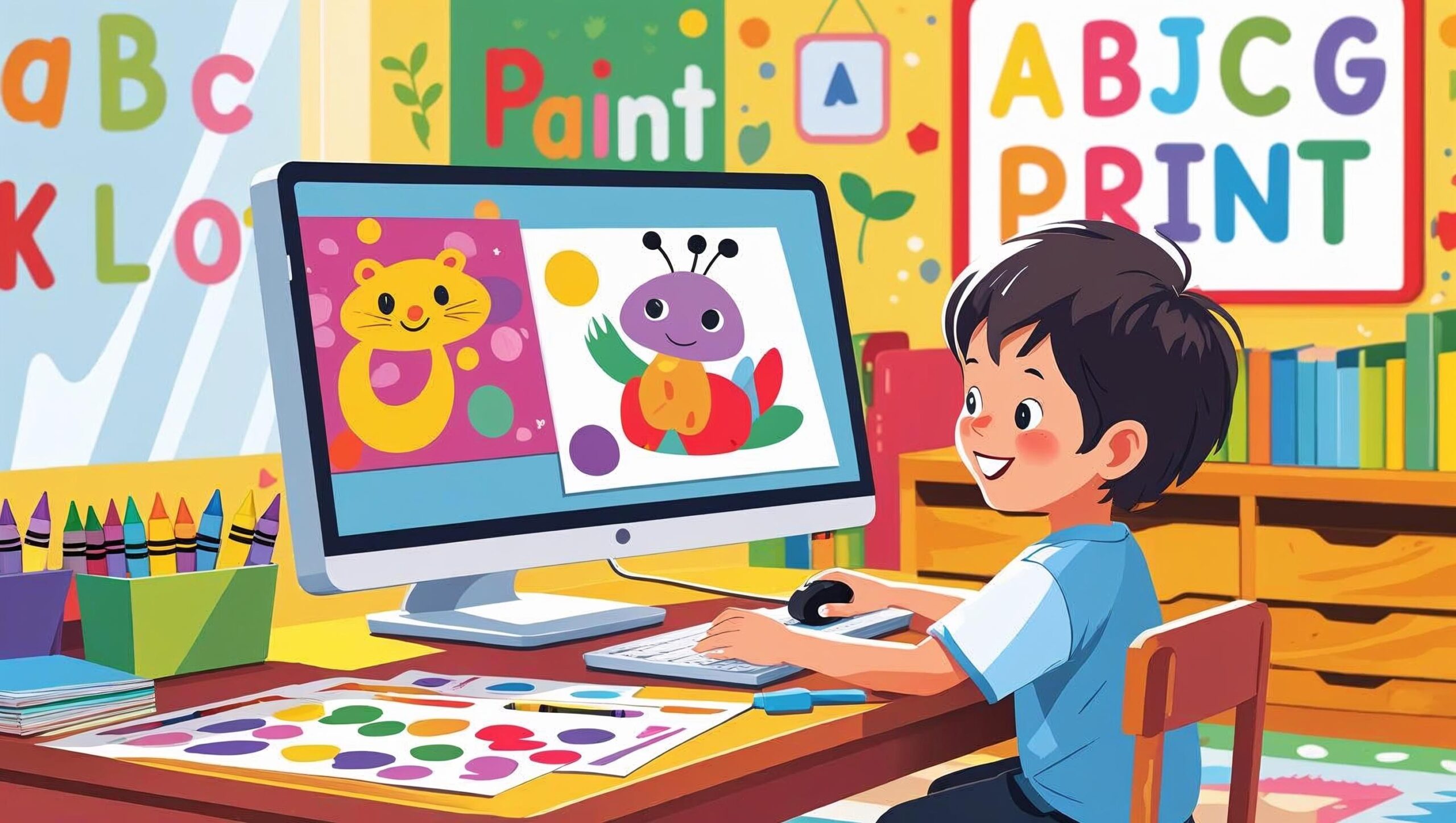
One of the biggest advantages of using MS Paint is that it helps children learn to use a computer mouse. Unlike touchscreens where fingers do all the work, MS Paint requires kids to:
- Click
- Drag
- Select colors
- Use tools like brushes and erasers
These actions improve hand-eye coordination, fine motor skills, and cursor control — all crucial for future computer usage in school and beyond.
📚 2. Aligned with Early Computer Education in Schools
Most schools introduce children to computers through basic tools like MS Paint. It’s often the first software kids are taught to use. Starting with MS Paint at home reinforces what they learn in the classroom and gives them a head start.
At LittlePencil.in, we provide specially designed printable and MS Paint-friendly images that match school-level tasks — making it easier for parents and teachers to guide early learners.
🧠 3. Encourages Focus and Precision
Touch-based coloring apps often let children simply tap to fill an entire section with color. While easy, this removes the need for precision.
In contrast, MS Paint requires more effort and attention, encouraging kids to:
- Choose the right brush size
- Stay within lines
- Undo and try again if needed
This process helps develop patience, attention to detail, and problem-solving — skills that support overall cognitive development.
📵 4. Reduces Passive Screen Time
Mobile coloring apps often come with distractions like ads, sounds, pop-ups, and in-app purchases. These elements can shift a child’s focus away from the task and lead to passive screen time.
MS Paint offers a clean, distraction-free environment, ensuring your child is engaged in meaningful screen activity rather than just entertainment.
💻 5. Introduces Kids to Keyboard Functions
While coloring in MS Paint, children also begin exploring basic keyboard functions such as:
- Using the arrow keys for movement
- Undoing actions with Ctrl + Z
- Saving their work with Ctrl + S
These shortcuts gradually build computer literacy, giving your child a strong digital foundation for future learning.
🖼️ 6. Printable + Paintable Options at LittlePencil.in
At LittlePencil.in, we understand the need for blended learning. That’s why our coloring packs come in two formats:
- Printable PDFs for offline coloring with crayons or pencils
- MS Paint-compatible images for digital coloring and computer practice
You can easily download, print, and learn — all in a single step.
👨👩👧 Ideal for Parents and Educators
MS Paint coloring activities aren’t just for fun — they’re a learning tool that parents and teachers can use to:
- Develop digital confidence
- Encourage creativity
- Support early academic goals
Plus, these activities can be done independently, building your child’s confidence in using a computer.
✅ Final Thoughts
While mobile apps might seem like the easier option, MS Paint offers real developmental benefits that go beyond screen tapping. It’s more than coloring—it’s learning. It teaches mouse control, precision, digital habits, and creativity, all while keeping distractions to a minimum.
Ready to start?
👉 Explore our MS Paint Coloring Packs at LittlePencil.in and download educational images your child can color right on the computer!